Western Digital WD1006V-MM2
 Logs
Logs Interface
 Signaling
 PCI ID
Empty
 RAM type
 SRAM
 RAM size
8 KB2 KB
 Chips and specs
-> Disk Legacy MFM/RLL
-> Floppy ctrl.
| MTL | |
|---|---|
| Function | Location |
| HadProblem | |
| 4-pin connector-drive active LED | J6 |
| 20-pin data cable connector-drive 0 | J4 |
| 20-pin data cable connector-drive 1 | J3 |
| 34-pin data cable connector-floppy drive | J1 |
| 34-pin control cable connector-hard drive | J5 |
Also known as
- Western Digital WD1003V-MM2
 I/O ports
1x
- 2x17 2.54mm pin header, FDD
1x
- 2x17 2.54mm pin header, MFM/RLL Drive Control
2x
- 2x10 2.54mm pin header, MFM/RLL Drive Data
 Power connectors
Empty
 Notes
Notes
The difference between WD1006V and WD1003V appears to be the buffer size.
- WD1006V-MM2 - 8K buffer
- WD1003V-MM2 - 2K buffer
There are a pair of link contacts (directly below J5) that set which buffer size the card expects. Switching this link and the RAM chip is likely the only requirement for converting a WD1003 to a WD1006 (or vice versa).
See the https://theretroweb.com/expansioncards/s/western-digital-wd1003v-mm1 page for the version of this card not equipped with a floppy controller.
Last updated 2025-08-03T18:30:25Z
 No BIOS files available
 No drivers available
 4 card documents available
Release date
File
Logs

Chip
Release date
File
Logs
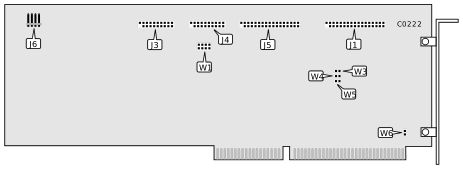 Image 1 of 5 (Microhouse)
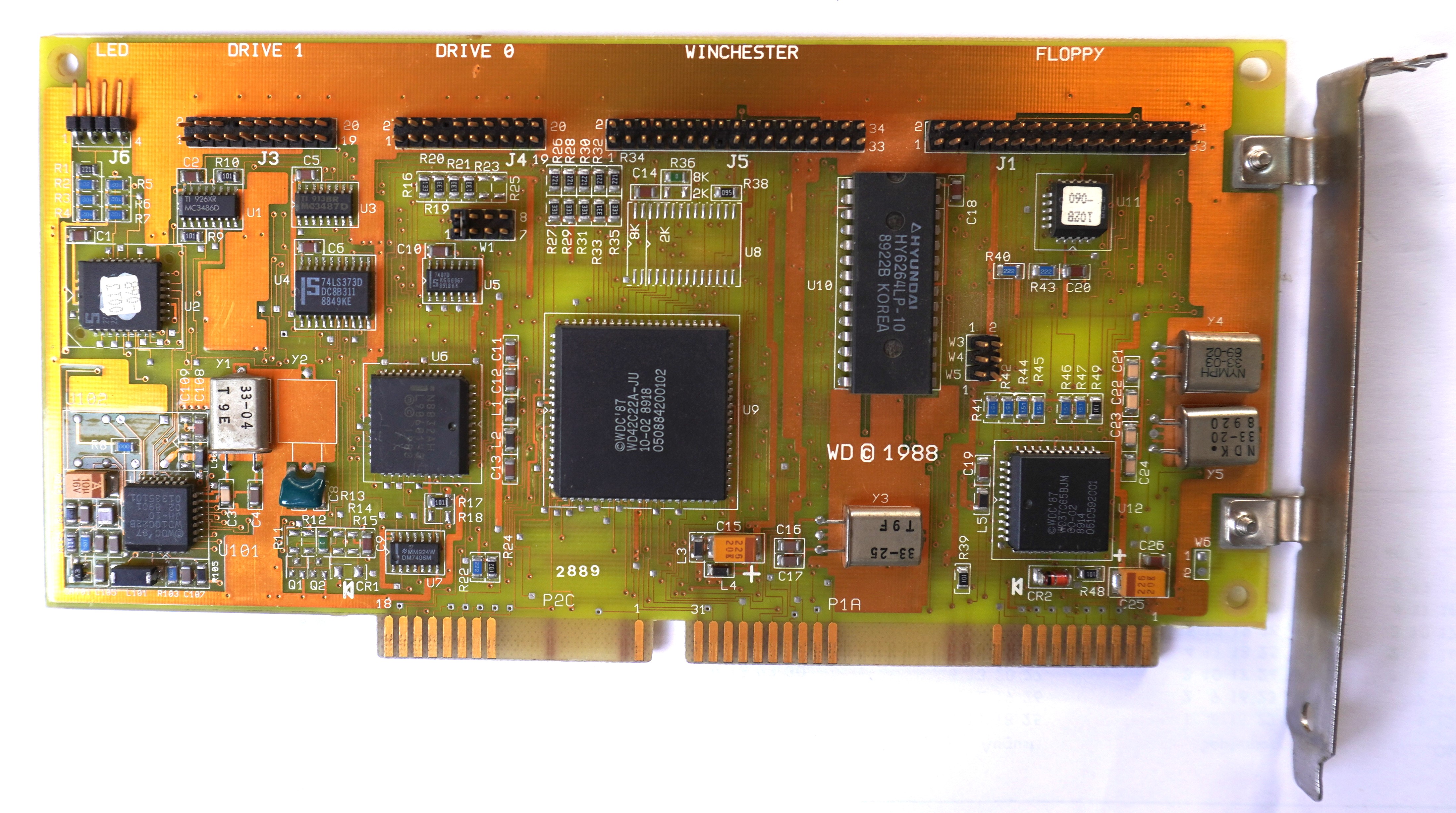 Image 2 of 5 (Elke Wehmer)
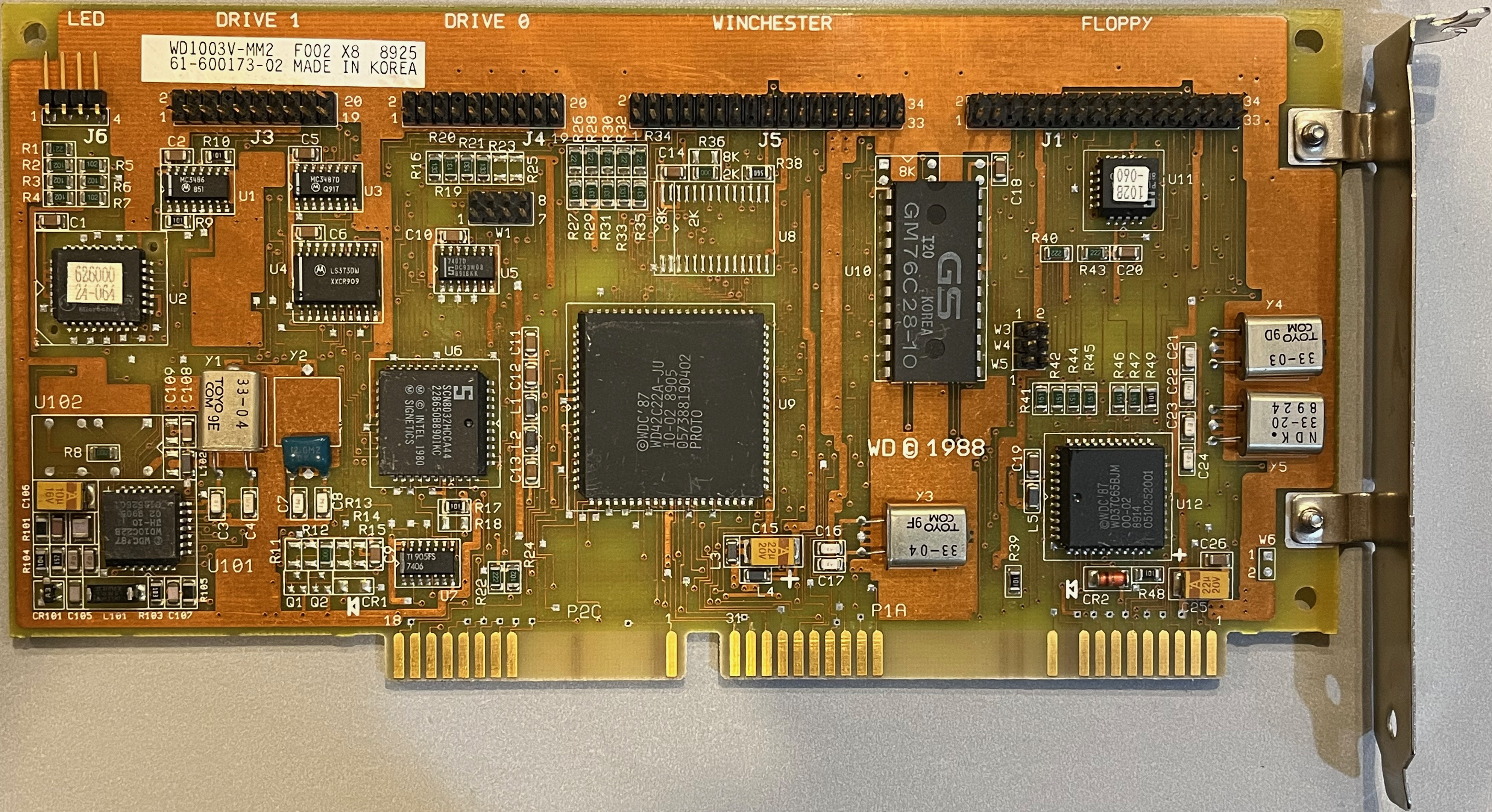 Image 3 of 5 (dogecode)
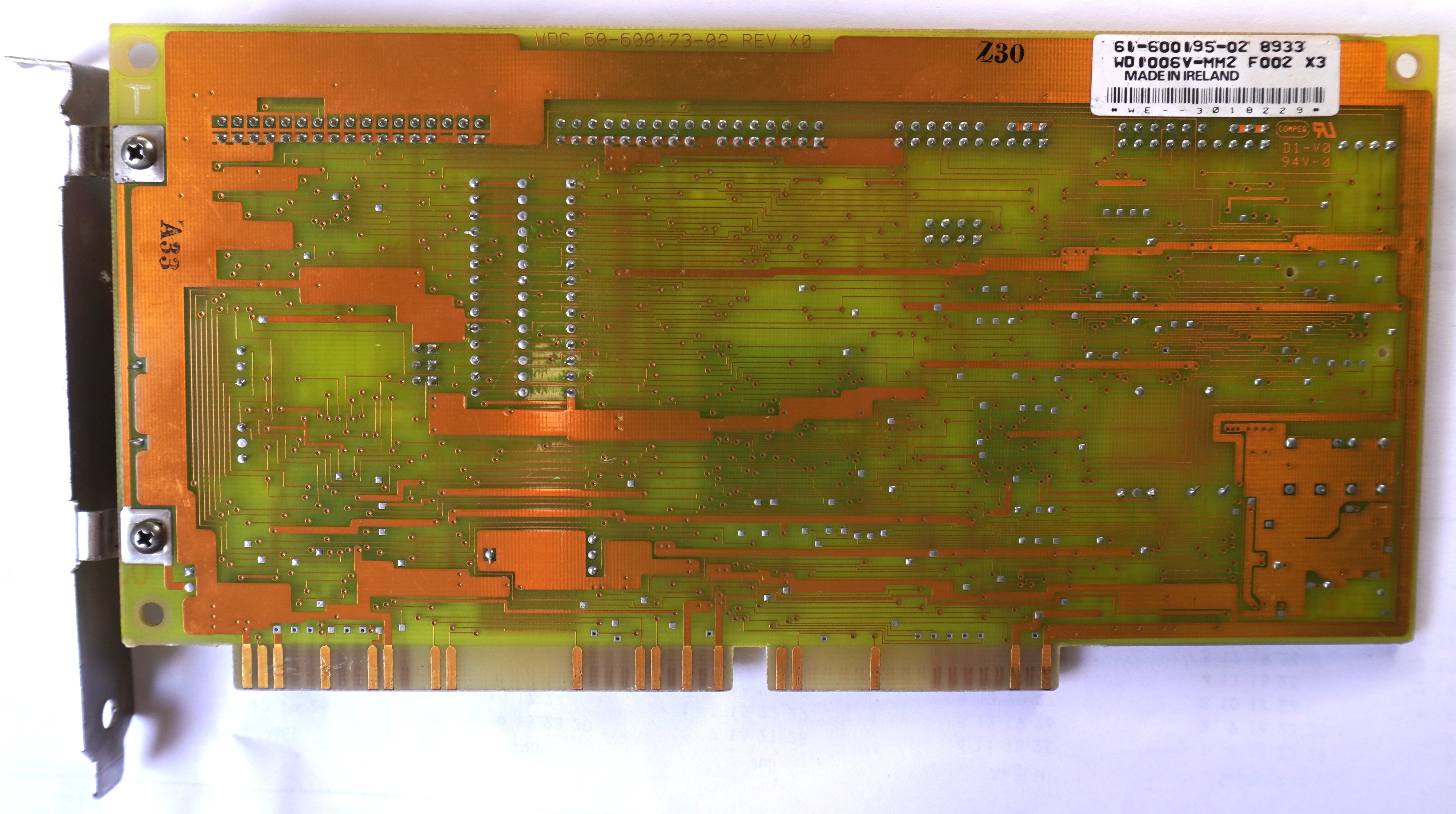 Image 4 of 5 (Elke Wehmer)
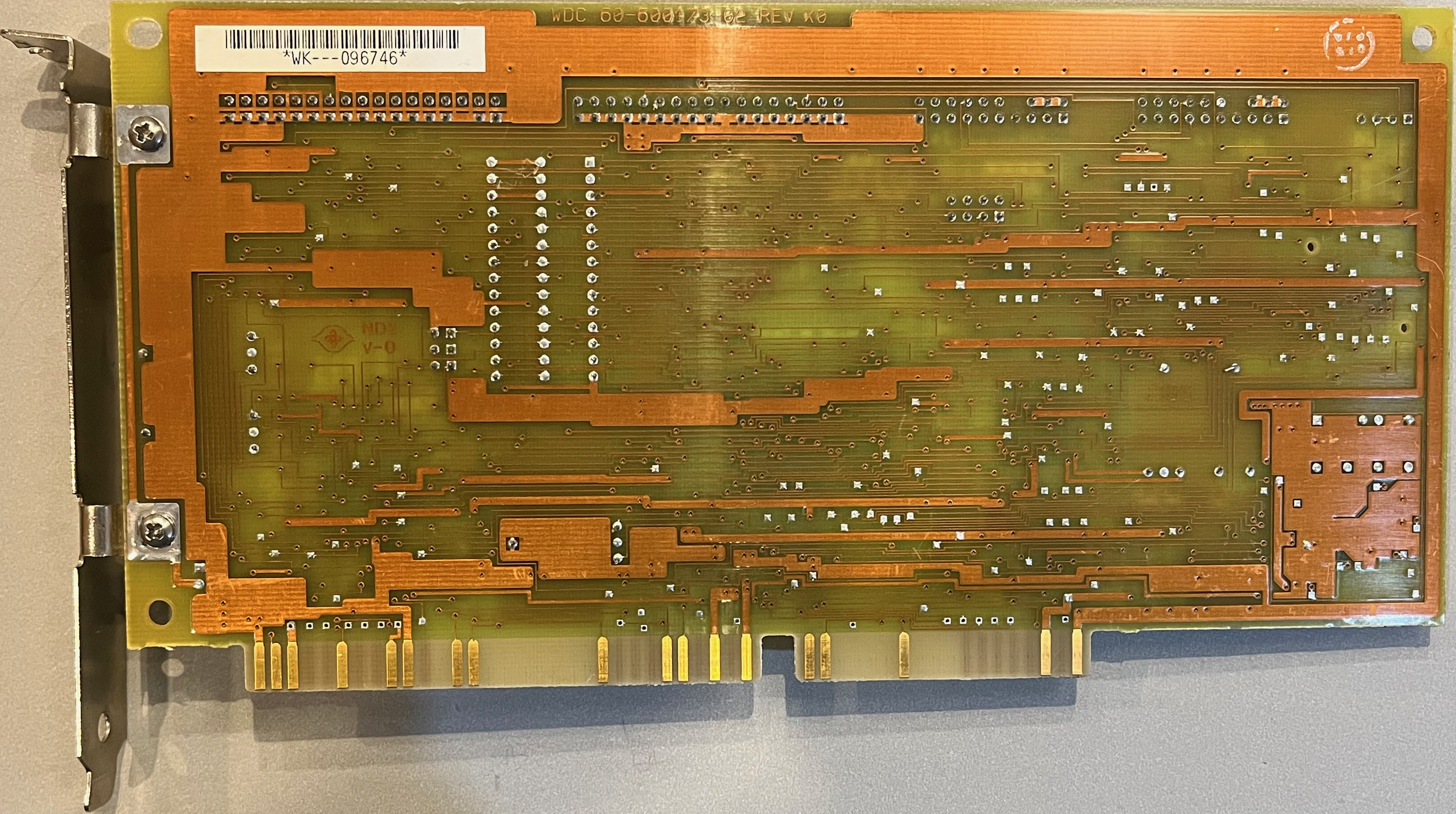 Image 5 of 5 (dogecode)
Disclaimer
The info found in this page might not be entirely correct. Check out this guide to learn how you can improve it.