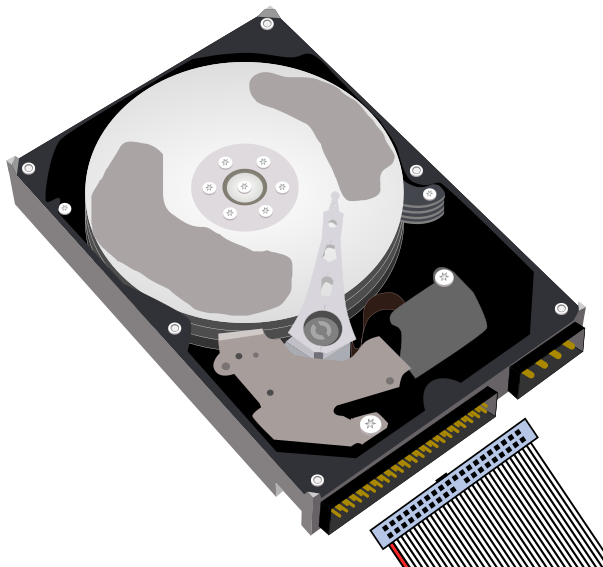
 Hard drive search guide
The search page is comprised out of two types of fields:
- text fields
- dynamic select fields
- up to 100 items will be rendered in the list at once
- if more than 100 items exist in the list, they will remain hidden until you start typing, at which point the list is instantly filtered and updated with the remaining entries
In the Hard drive search page, you will have a few filters which you can apply:
- Manufacturer
- filters by the manufacturer of the hard drive (Seagate, Western Digital, etc.)
- Name
- if filled, it matches all hard drives with that name/part number
- DOES NOT match the manufacturer!
- Form factor
- filters by the dimensions of the hard drive (3.5", 5.25" half height, etc.)
- Interface
- filters by the electrical interface of the hard drive (ATA/66, ATA/133, etc.)
- Power connector
- filters by the power connector used on the hard drive (Molex, SATA, etc)
- Capacity
- if filled, it will match all hard drives with the given capacity filter
- the default unit is Megabytes (MB), can be used with or without the unit (e.g. "100" or "100 MB" yield the same result)
- can make use of operators like <, >, <= and >= (less than, greater than, less or equal, greater or equal respectively)
- Buffer size
- integer field, it will match all hard drives with the given buffer size and the values are treated as kilobytes (KB)
- Cylinders/Heads/Sectors/RPM/Platter counter
- integer fields for each respective property
- Has audio files/documentation
- if toggled, it will only show hard drives which contain audio files and documents, respectively